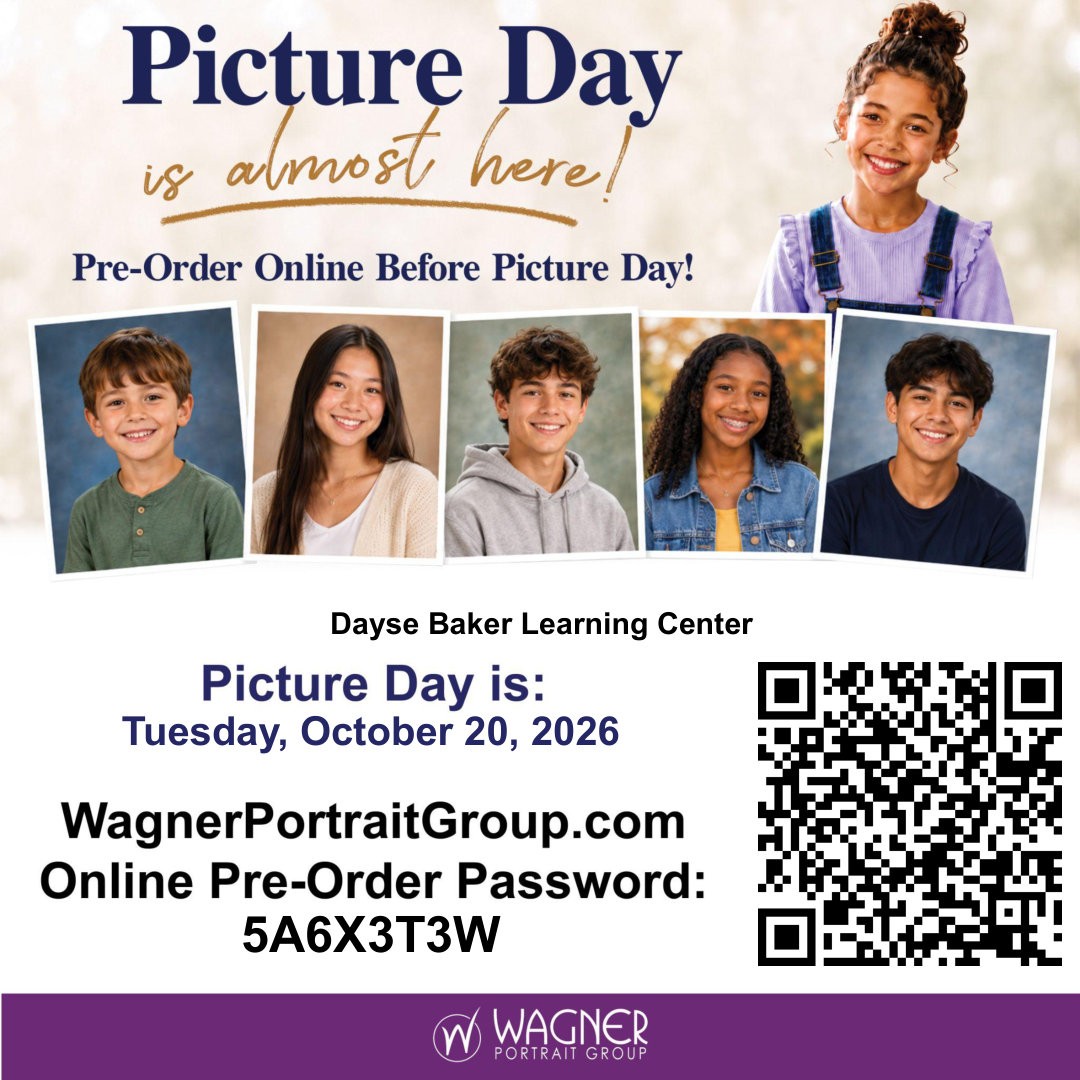
| Dear DAYSE Baker Learning Center Families,
Our school year is off to a strong start! We are proud of the effort our students have shown and look forward to building on this positive momentum throughout the semester.
Regular attendance is essential to each student’s success. Every day in class provides valuable opportunities to learn, receive support, and make progress toward academic standards and individual goals. When students attend consistently and arrive ready to learn, they are better positioned to stay on track and earn the credits they need.
The end of October will already mark the halfway point of our first semester. We encourage all students to remain focused, attend school each day, complete their assignments, and continue making academic progress. If challenges arise, please remember that our staff is here to help. We want every student to feel supported and capable of reaching their goals.
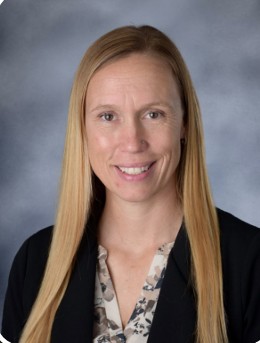
Thank you for partnering with us and reinforcing the importance of attendance, effort, and perseverance at home. Together, we can help every Dayse Baker Learning Center student have a successful school year. Sincerely, Jenna |
|
|
Navigate Your Child’s Tech World with Parent ProTech |
Between multiplayer video games, tablet apps, and early exposure to social media platforms, keeping up with our kids' digital worlds can feel overwhelming. Technology moves fast, and as parents, knowing what games your children are playing or what places they are visiting online is key to keeping them safe.
To help bridge this gap, our district is proud to offer families free access to Parent ProTech, an expert-backed digital safety and awareness platform built specifically for parents and educators. Parent ProTech removes the guesswork from digital parenting by giving you quick, practical insights into today's tech trends without making you feel like a computer programmer.
Know What They're Playing: Get straightforward, bite-sized video guides breaking down popular titles like Roblox, Minecraft, Fortnite, and mobile games. Understand Hidden Features: Learn whether games feature open chat functions, in-game purchasing, or interaction with strangers, giving you the context needed to set smart boundaries.
Navigate Online Platforms: Learn how video-sharing and social apps work including TikTok, YouTube Kids, and messaging platforms and where risks like inappropriate content or cyberbullying might pop up. Step-by-Step Parental Controls: Access simple walkthroughs on how to lock down settings, adjust privacy levels, and turn on screen-time limits across devices.
Instead of outright banning devices, Parent ProTech equips you with constructive ways to talk to your child about online safety, digital citizenship, and healthy habits. You don't need to be tech-savvy to use Parent ProTech as short video guides and resources are designed for busy schedules. |
| |
|
Rooms: Helpful info and troubleshooting tips |
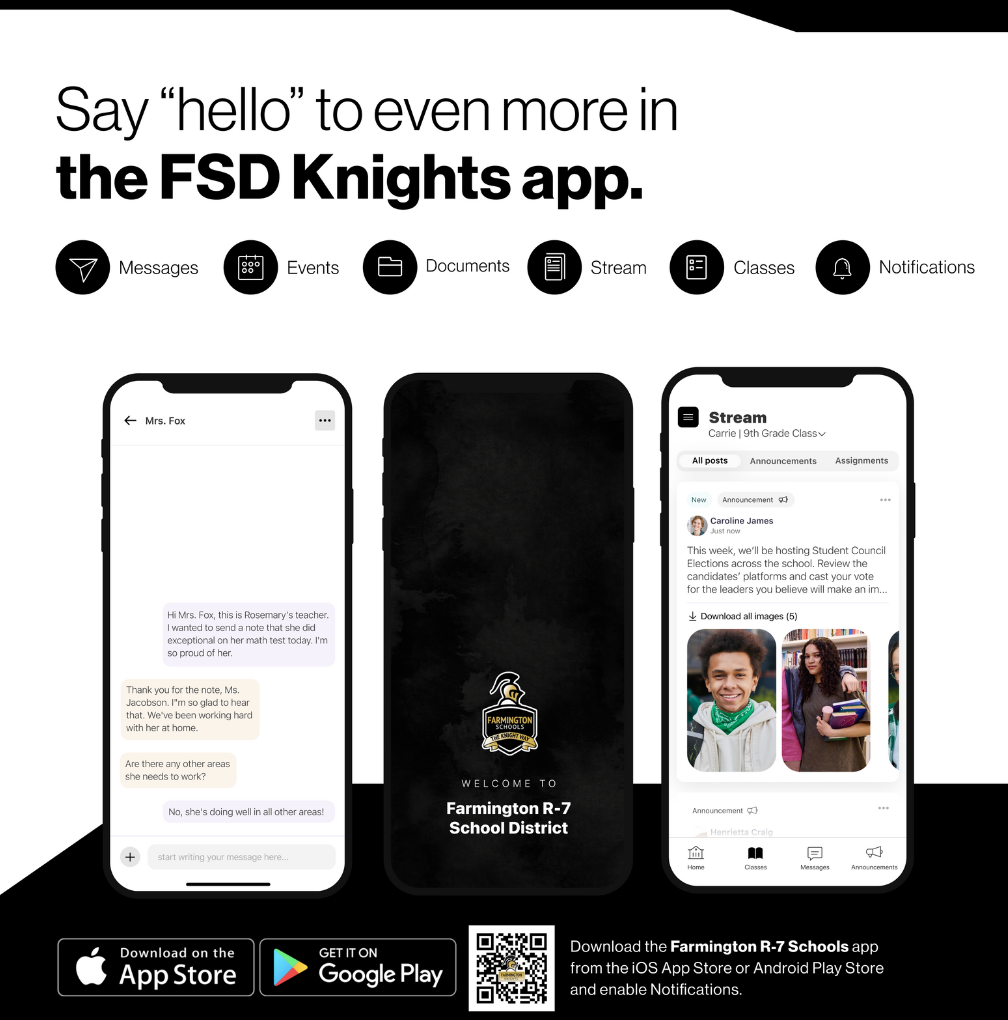
Stay connected with the Farmington School District through Rooms! Built right into the FSD App, Rooms lets you chat directly with teachers and coaches, join group updates, and track classroom, sport, and school announcements all in one place. When teachers or staff create a message in Rooms, parents will be be alerted of that message through Rooms with a notification. So make sure those notifications are turned on. Some troubleshooting tips: Once you open the FSD App, click "Continue to sign in" in the black button at the bottom. Parents should log in using their phone number (preferred) or email address associated with their Infinite Campus Parent Portal account.
If you do not receive a 6-digit authentication code back, the app is having trouble with two-factor authentication. Exit the app and text the word "START" to 20819. You should receive a welcome message back from "Apptegy Messaging". Return to the FSD App and try to sign in again. You should receive a 6-digit code this time that will allow you to complete the login sequence. Once you have signed into the app, continue to the Rooms tab at the bottom. All Rooms that your child is a participant in should be visible.
Other communication from the School District is sent via "Alerts" via either an SMS message (text) or email. These messages are typically more urgent in nature. If you feel you are not receiving these messages or just want confirmation that you are able to receive them, text the word "START" to 98900. If you currently receive those messages and would prefer not to, text the word "STOP" to 98900.
Families can choose to receive notifications by app, email or text and customize how often they receive updates. Learn how to update your notification settings. In you need to download the FSD App, choose your device:
iPhone
Android Students should select Google sign-in and use their school email account. For further assistance, please email Greg Tadych at gtadych@farmington.k12.mo.us.
|
|
|
Thank you Scooter's Coffee!!! |
|
|
|
We would like to extend our heartfelt thanks to Scooter’s for supporting Dayse Baker Learning Center through your generous giving back to our school and students. Your kindness and commitment to our community make a meaningful difference and help us provide valuable opportunities and resources for our students. We are truly grateful for your partnership and for helping make our learning center a stronger, more supportive place for everyone. |
|
|
|
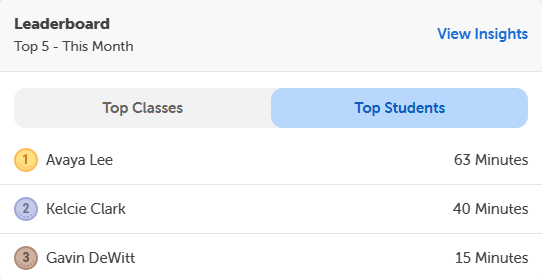
📚✨ Keep Those Beanstack Minutes Coming! ✨📚 Parents and students, it’s time to log those reading minutes! Every minute counts, so keep reading, keep logging, and keep working toward your goals. 📖⏰ 🏆 Congratulations to our current Beanstack leaderboard winners! Your hard work and dedication are something to celebrate! 🎉
Who will make the leaderboard next? Keep those books open and those minutes adding up! We can’t wait to see everyone’s progress! 💙📚 |
|
|
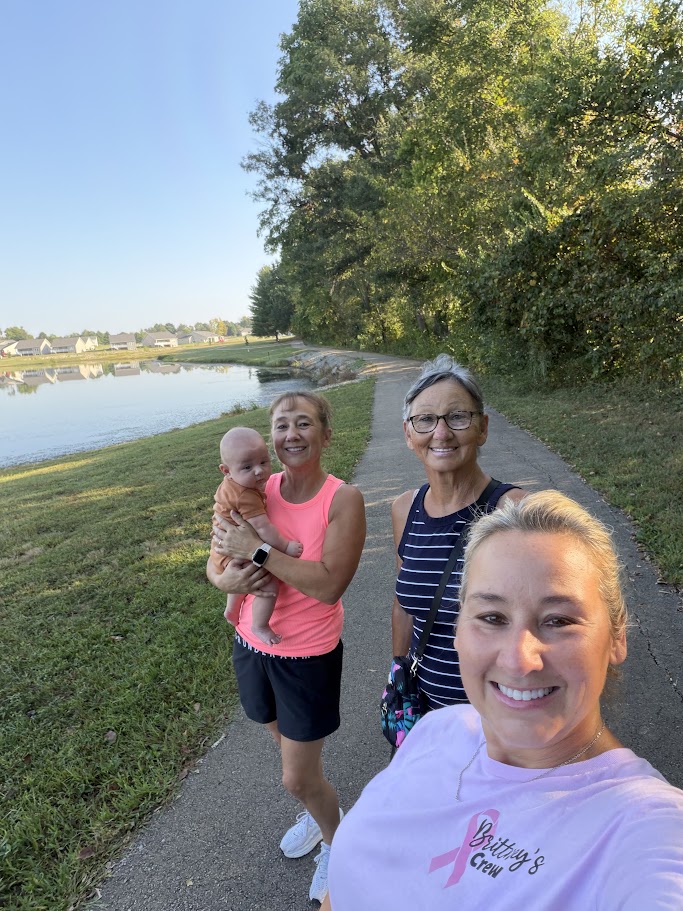
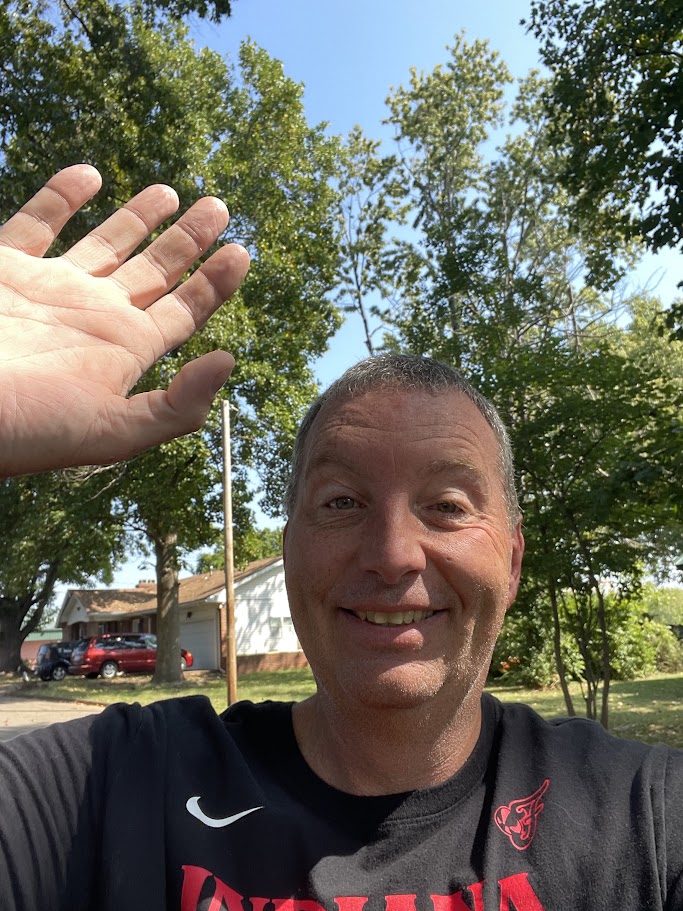
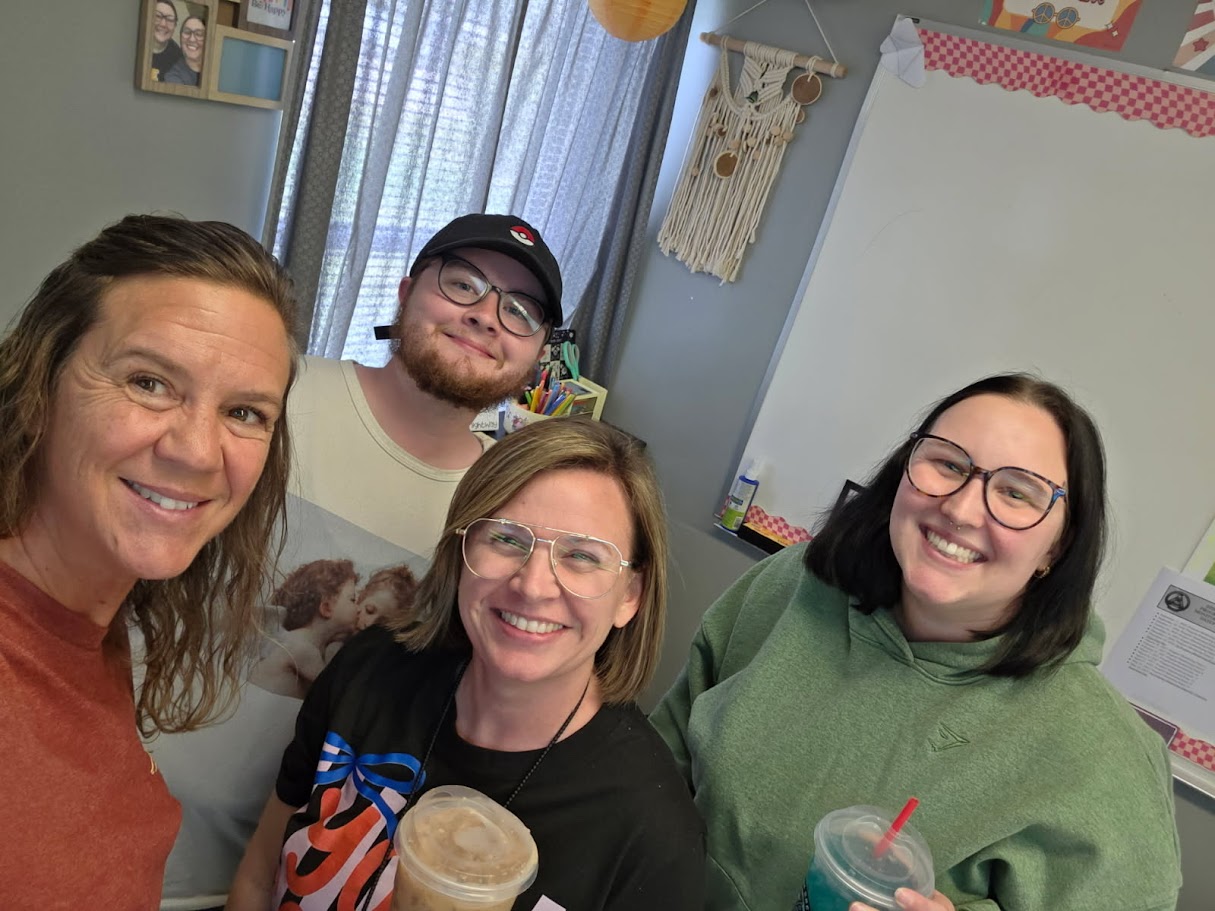
STAFF CELEBRATING WELLNESS AND COLLABORATION AT PD DAY! |
|
|
|